
Invites are valid for 30 days.
Email invite links will no longer work after 30 days.
Reinviting the learner
To reinvite the learner - find them in the you'll dashboard - they’ll show as "Invited".
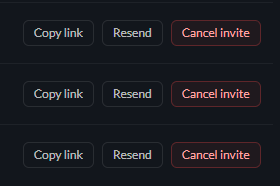
You have two options to reinvite them:
Copy their unique invite link and paste it into an email with a personal note.
Resend the original invite
Make sure they check their spam.
Invite emails come from noreply@safeaihabits.com.
If a learner says they can’t find it, ask them to check their spam folder - your email system might have filtered it.