
The Safe AI Habits team will respond to support requests from MSP admins in record time.
To contact support - click the help button in your navigation bar, when logged in as an admin ...
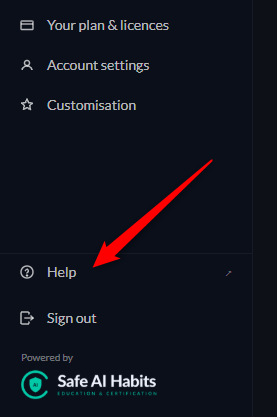
Use the help section as need be. If you're still struggling for an answer, scroll to the bottom of the help section and click the Contact support button.
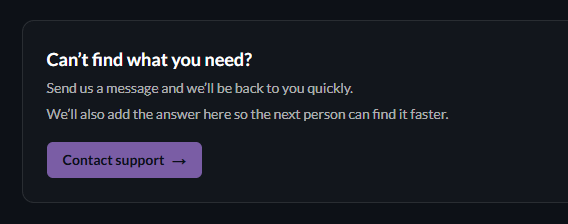
Your details will be prepopulated.
Suporting your learners
As you have control of the admin of your learners (and we don't!) - we ask in the first instance, you answer any queries from your learners.
When a learner clicks on the help button on their nav bar, they will be taken to the generic help area (not the MSP admin help area.)
If they choose to support a ticket - it will be routed to you.
The default support address is the original address you supplied to us on set up.
It can be customised any time, by visiting the Customisation area:
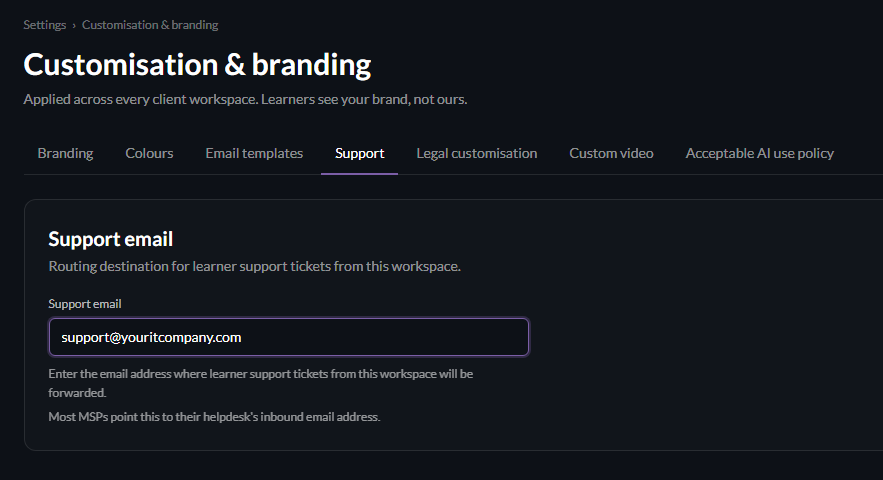
Note that many MSPs route these queries into their helpdesk queue.
For any queries you are unable to answer - please send them over to us using the support area and we'll respond to you directly.