
Once you have bought licences, you can invite your team by email.
Each invite uses one licence, the moment the learner accepts.
Open the invite panel
From the team admin dashboard, click Invite learners.
Enter one or more email addresses (one per line) and we’ll send each person a personal sign-up link.
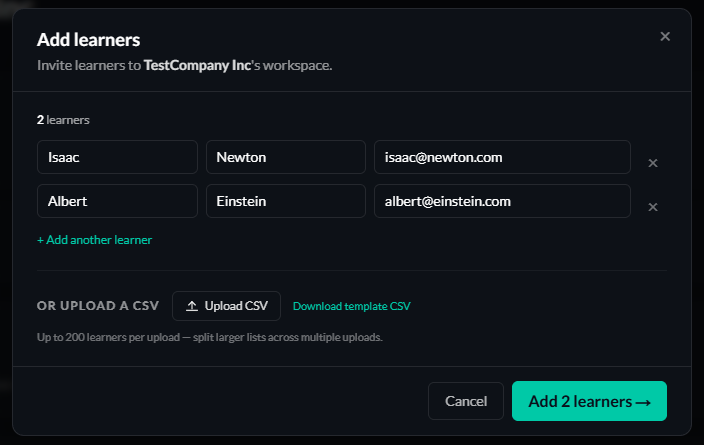
If you have a large number of users - download the CSV and enter your data - ensuring you don't change the column headings.
A maximum of 200 learners are available for each upload.
You are given an opportunity to confirm your upload - edit or remove users - before confirming them into your team.
What your learners then see
Each learner gets an email from noreply@safeaihabits.com with a one-click link to set their password and start the programme.
The link is valid for seven days; you can resend it from the dashboard if they miss the window.
Tracking who’s accepted
On your dashboard, learners who haven’t accepted the invite yet show with a Pending pill next to their name.
Once they sign in for the first time the pill disappears and their progress starts populating.
Learner not accepted their invite?
If you notice a learner hasn't accepted their invite, use the Resend button next to their name.
Alternatively, you can use the Copy link button to email them directly from your own account.