
If a learner you invited never accepts (they left, you sent the invite to the wrong address, etc.) you can cancel the invite from your dashboard.
No licence is consumed unless the learner completes a module.
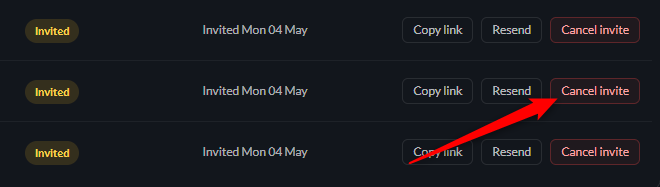
Cancel the invite
Find the "invited" learner in the table. Click Cancel invite.
The invite link they were emailed stops working immediately.
NOTE: The licence REMAINS available
Cancelling an unused invite does NOT free up a license - as it was never used in the first place - the licence pool is unchanged.